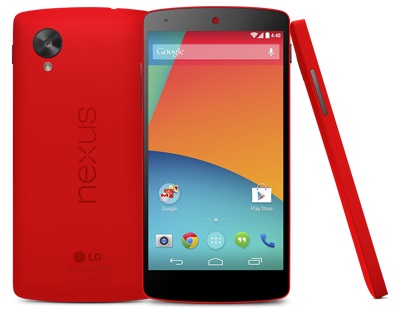
Force Stop Running App on LG Phone
How to Force Stop Running App on my LG Phone?
✍: FYIcenter.com
 By default, when an app is started on your LG phone,
it will stay running forever.
By default, when an app is started on your LG phone,
it will stay running forever.
Sometimes you may want to stop some apps to improve the performance of the phone. You can follow this tutorial to Force Stop Running App on your LG Phone.
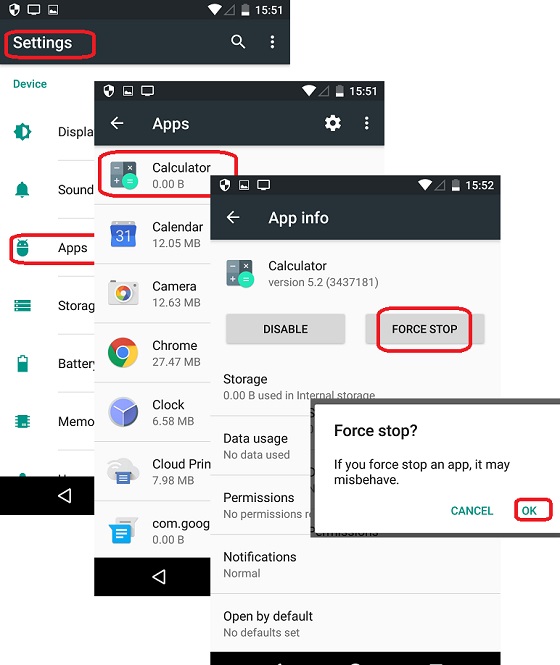
1. Go to "Settings > Apps". You see a long list of apps that are installed on your phone.
2. Tap "Calculator". You see detailed information of the "Calculator" app.
3. Tap on "FORCE STOP". You see a confirmation message.
4. Tap "OK" to confirm. The app will stopped running.
Force stop apps will free up memory and CPU time to make your phone faster.
The following picture shows you how to
Force Stop Running App on your LG Phone:
⇒ Disable System App on LG Phone
2018-02-01, ∼6562🔥, 0💬
Related Topics: