Taking Selfie with iPhone Camera
Q
How to take a selfie (a picture of myself) with my iPhone camera?
✍: FYIcenter.com
A
 Taking a selfie requires you to change your iPhone camera to selfie mode and
using the front camera as described below:
Taking a selfie requires you to change your iPhone camera to selfie mode and
using the front camera as described below:
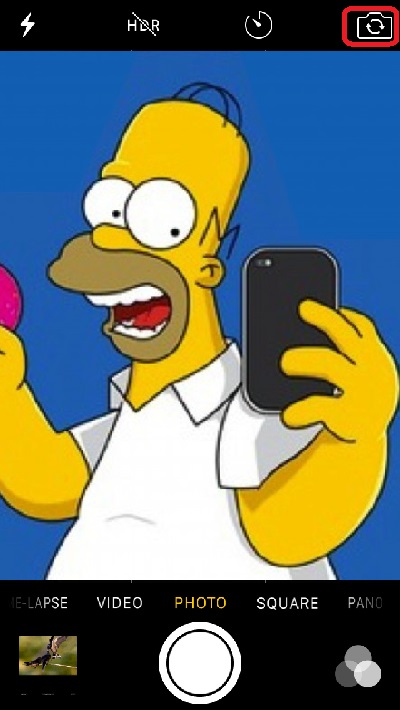
1. Open up the iPhone camera and tap on the selfie icon
 You see iPhone switched to use the front camera.
2. Hold your iPhone with your left hand and extend your left arm out.
3. Look at the iPhone screen to make sure your face showing up correctly.
4. Use your left thumb to push the volume-up button on your iPhone as the camera shutter to take a selfie.
The picture below shows you how to take selfie with your iPhone camera (source: christchurchcville.org):
2017-08-25, ∼3776🔥, 0💬
Related Topics:


