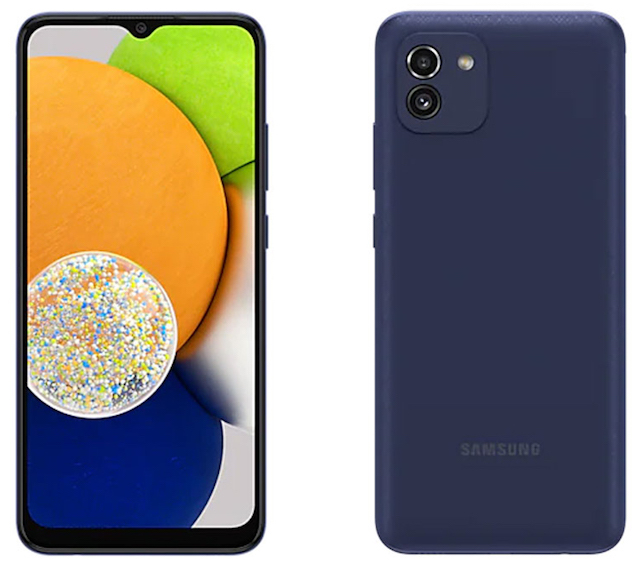
Search for a Setting on Samsung Galaxy
How to Search for a setting by keyword on my Samsung Galaxy phone? There are so many settings and divide into so many screens. It's very hard to find a setting by tapping and scrolling through setting screens.
✍: FYIcenter.com
 On new Samsung Galaxy phones, you can use the "Search" function
to search for a setting by a given keyword.
On new Samsung Galaxy phones, you can use the "Search" function
to search for a setting by a given keyword.
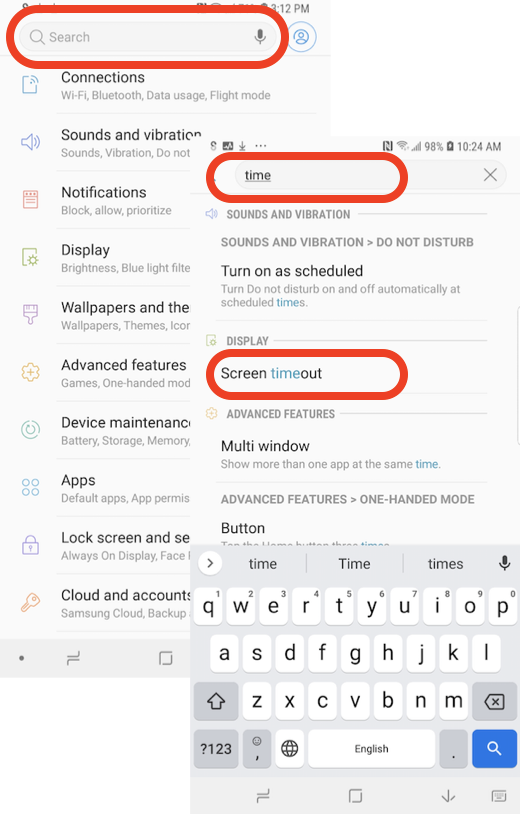
For example, you can search for the "Screen Timeout" setting use the following steps.
1. Go to "Settings". You see the Settings screen.
2. Tap the Search input box and enter "time". You see a list of all settings that match "time" in their names, including "Screen timeout".
3. Tap on "Screen timeout" in the search result list to open the "Screen timeout" setting.
⇒ Common Issues with Samsung Phone
⇐ Find the Android Version of Samsung Galaxy
2022-10-26, ∼2727🔥, 0💬
Related Topics:

💬 2025-09-20 FYIcenter.com: @Mike, We will add it later.
💬 2025-09-17 Mike Cahill: Why on earth is there no check mark icon in the text section?