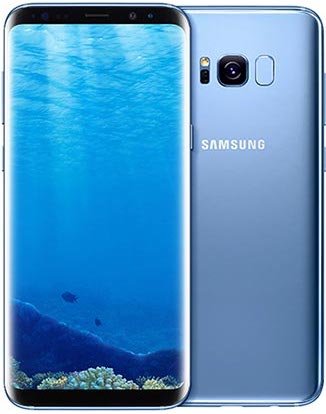
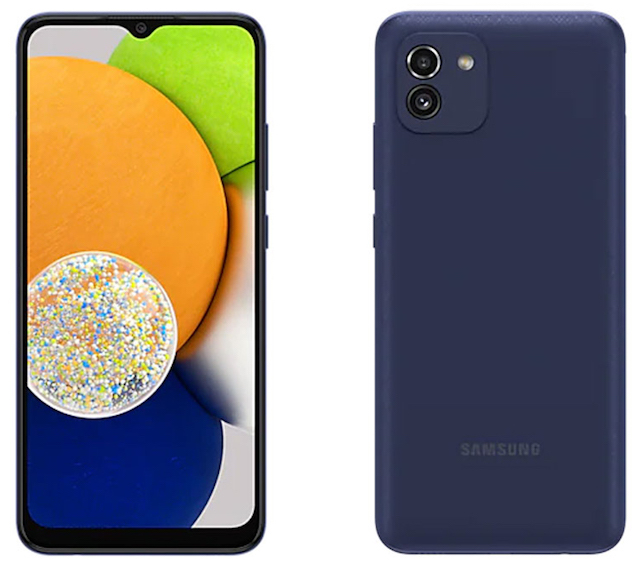
Search for an App on Samsung Galaxy
How to Search for an app by keyword on my Samsung Galaxy phone? I have installed many apps and it's very hard to find an app by looking at each Apps window.
✍: FYIcenter.com
 On new Samsung Galaxy phones, you can use the "Search Phone" function
to search for an app by a given keyword.
On new Samsung Galaxy phones, you can use the "Search Phone" function
to search for an app by a given keyword.
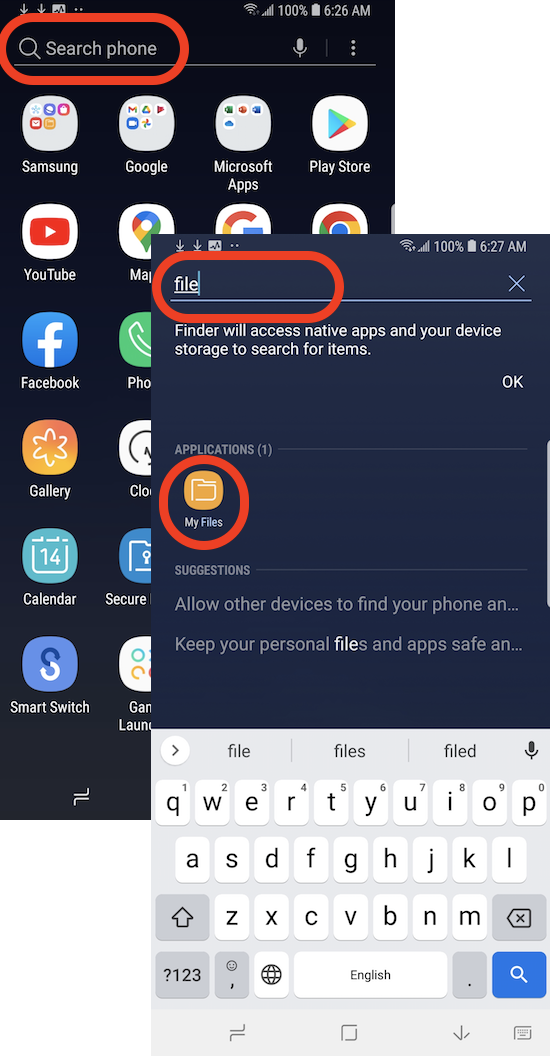
For example, you can search for the "My Files" app use the following steps.
1. Go to Home screen. Then swipe up to the Apps screen. You see the first Apps window.
2. Tap the Search Phone input box and enter "file". You see a list of all settings that match "file" in their names, including "My files".
3. Tap on "My files" in the search result list to open the "My files" app.
⇒ List of Apps Developed by Samsung
⇐ Apps Screen on Samsung Galaxy Phone
2022-10-07, ∼2868🔥, 0💬
Related Topics:

💬 2025-09-20 FYIcenter.com: @Mike, We will add it later.
💬 2025-09-17 Mike Cahill: Why on earth is there no check mark icon in the text section?