Samsung Galaxy Set Up - Google Account
Q
How to set Up a Samsung Galaxy - Add a Google Account?
✍: Guest
A
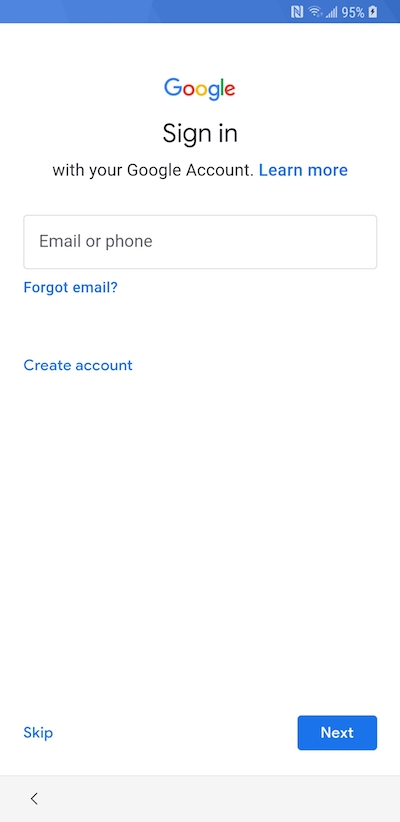
 Google Account
Create a new, or sign in to an existing, Google account. If you don't already use one of the Google products such as Gmail, Picasa or YouTube (if you use any of these, you already have a Google account) or if you want create a new account to use with your new phone, you can create one on your phone during the setup.
You can skip this step if you wish. It is sometimes easier to set up an account on your computer. If you have backed up a previous Android phone to your existing Google account, you can restore settings during this step.
⇒ Samsung Galaxy Set Up - Location and Dropbox
2013-06-22, ∼6534🔥, 0💬
Related Topics: