Apple ID Out of Sync after iOS Upgrade
Why do I need to update Apple ID settings after iOS upgrade on my iPad?
✍: FYIcenter.com
 When you upgrade iOS with a big gap, like from iOS 9 to iOS 12,
iPad will force you to go through the new iOS setup process.
When you upgrade iOS with a big gap, like from iOS 9 to iOS 12,
iPad will force you to go through the new iOS setup process.
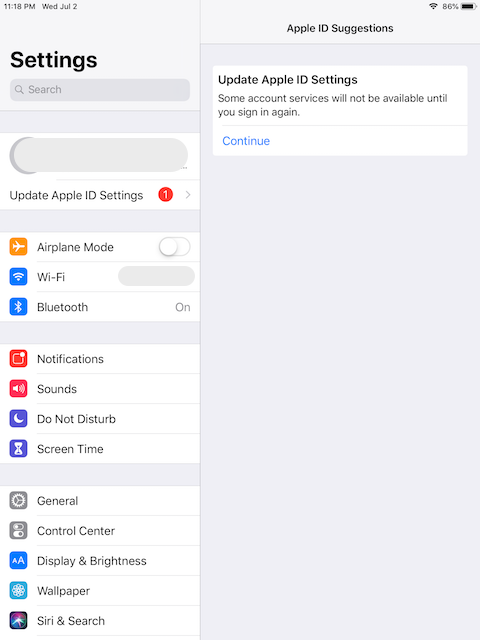
After the setup process, you Apple ID in Settings may be displayed with a warning:
Apple ID Suggestions

Upgrade Apple ID Settings
Some account services will not be available until you
sign in again.
[Continue]
Click "Continue". You see a pop box asking for your Apple ID and password.
Enter your Apple ID and password. You see a pop box asking for the passcode of the iPad.
Enter the passcode of the iPad. You see a pop box asking for the passcode of another Apple device that shares the sample Apple ID.
Enter the passcode of the other device. The Apple ID warning will be removed.
As you can see, Apple uses a multi-factor authentication to make sure that you are the owner of this iPad.
⇒ Purchased Items to Be Transferred on iPad
2025-09-24, ∼2151🔥, 0💬
Related Topics: