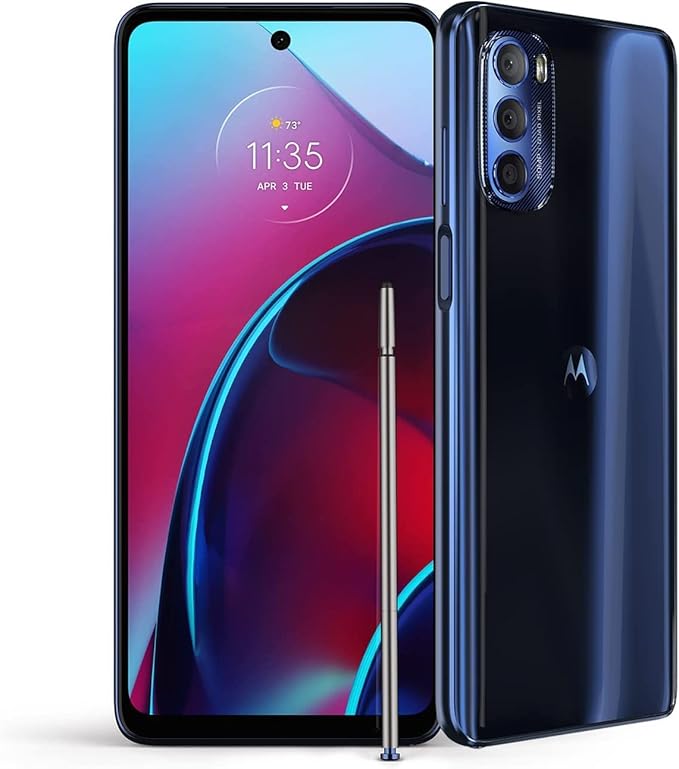
Custom Gestures on Motorola Phone
Hoe to Custom Gestures on my Motorola Phone?
✍: FYIcenter.com
 You can go to "Settings > System > Gestures" to
see current gesture settings and customize them:
You can go to "Settings > System > Gestures" to
see current gesture settings and customize them:
1. Wake display (Use gesture to wake up your display up) - You can touch the screen to see current time.
2. Double press power key (Launch Assistant) - Press the power key twice to open Google Assistant (Gemini).
3. System navigation (3-button navigation) - Swipe up once from bottom edge of the screen to access 3 Navigation Buttons: Back, Home, and Overview (of Apps).
4. One-handed mode (off) - Allow you to your phone with one hand.
5. Power touch (Double tap on power key for quick shortcuts) - Open Google Assistant (Gemini) by pressing the power key twice.
6. Preventing ringing (Off) - Let your phone ring on incoming calls, messages, and notifications.
7. Quick Capture (Twist your wrist twice quickly to open the camera anytime) - Twist phone twice to open camera.
8. Swipe to split (Off) - See apps in split screen by swiping back and forth.
9. Three finger screenshot (On) - Touch the screen with three fingers to take a screenshot.
10. Fast Flashlight (On) - Turn the flashlight on/off with two chopping motions.
11. List to unlock (On) - Unlock your phone lifting it and looking at the screen, if the "Face unlock" is turned on and configured.
12. Pick up to silence (On) - Pick (swing) up the phone to silence the ringer.
13. Flip for DND (On) - Flip the phone over to enable Do Not Disturb.
14. Media Controls (Off) - User the volume keys to change tracks when the screen is off.
⇒ Motorola Apps on Motorola Phone
⇐ Keys and Gestures for Common Operations
2025-09-16, ∼1721🔥, 0💬
Related Topics: