Categories:
Android (32)
Apple (iPhone) (829)
Apps (26)
BlackBerry (3)
General (438)
HTC (6)
Huawei (83)
LG (43)
Motorola (50)
Nokia (4)
Palm (10)
Samsung (139)
Sony (1)
Technology (17)
Windows Phone (209)
ZTE (5)
Online Tools:
Tutorial Collections:
Other Resources:
Syncing iPhone Data with iTunes
How to sync my iPhone with my iTunes on my Windows computer? I some new music on my iPhone and I want to listen on my iTunes.
✍: FYIcenter.com
Syncing your iPhone with iTunes is really easy:
1. Connect your iPhone with your computer with the USB cable.
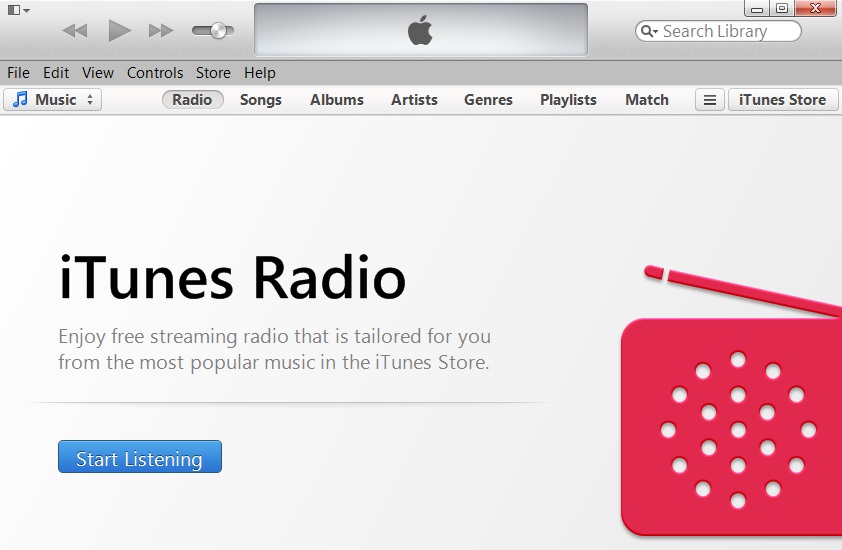
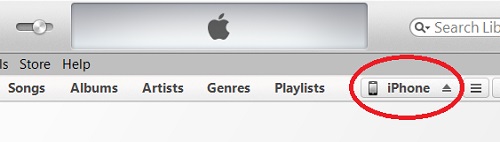
2. Run iTunes from your computer and click on the "iPhone" tab.
3. Click "File > Devices > Sync iPhone" menu or click the "Sync" button at the end of the status bar.
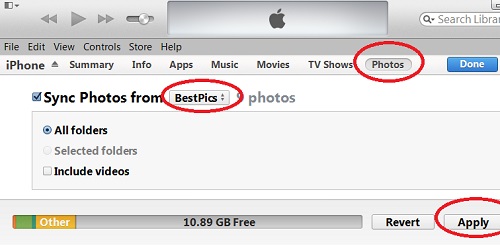
iTunes will exchange data including pictures, music, and videos between your iPhone and iTunes to keep them in sync.
2014-04-29, ∼2950🔥, 0💬
Popular Posts:
How can I find what the phone number is from a sim card
How to Troubleshoot "Pause" related issues when using auto-dial on Android phone? When using the Pau...
What is SIM (Subscriber Identity Module) card? A SIM (Subscriber Identity Module) card is an integra...
Where to find answers to frequently asked questions on Apple iPhone? I want to know more details abo...
What is phone screen display resolution? What does a 2436x1125 pixel screen mean? Cell phone screen ...