Import Modified Picture from iPhone/iPad
How to import the modified picture from my iPhone? I only see the original picture after importing it with my USB cable.
✍: FYIcenter.com

There is no easy way to import the modified picture from your iPhone.
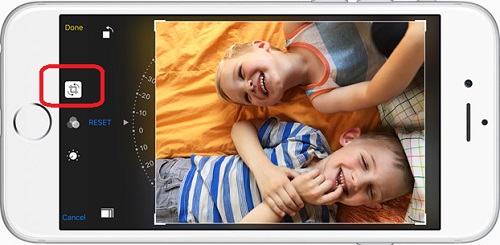
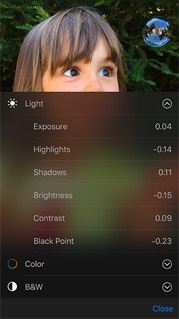
When you edit a picture using the Photos app on your iPhone, Apple saves two files on the phone, the original picture in *.JPG format, and changes in *.AAE format.
When you import pictures from your iPhone to a PC with a USB cable, you will get those two files.
Your PC do not understand the *.AAE file. So it will only show the original picture in the *.JPG file. This is why you only see the original picture.
One way to get the modified picture is to install a third party tool on your PC apply *.AAE file on the *.JPG file.
Or you can save a separate copy of the modified picture as an image on your iPhone when you are editing a picture.
2016-03-09, ∼2895🔥, 0💬
Related Topics: