Syncing with Yahoo Contacts on iPhone
How to sync my Yahoo contacts on my iPhone? I want call the phone number saved in my Yahoo contact.
✍: FYIcenter.com
Syncing and make Yahoo contact phone number available on your iPhone is simple:
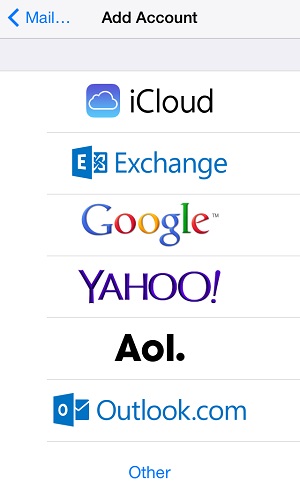
1. Make sure your Yahoo email account is added on your iPone.
2. Tap Settings on the iPhone Home screen.
3. Scroll down and tap "Mail, Contacts, Calendars". You will see a list of your current email accounts.
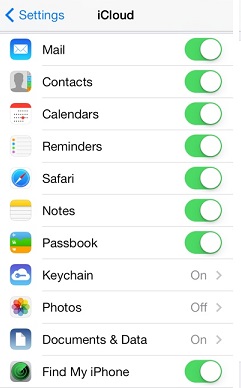
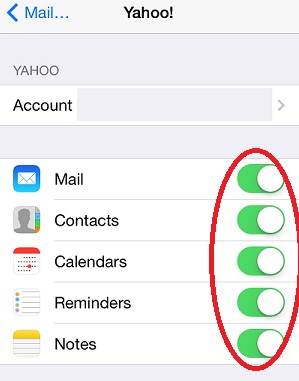
4. Tap the Yahoo account that you want sync contact with. You will see the Yahoo account synchronization options.
5. Turn on "Contact". You iPhone will download all your Yahoo contacts to your phone.
6. Tap "Phone > Contacts". You see that your Yahoo contacts are added to your contact list.
Warning: Your Yahoo contact list could be very long and that will make it more difficult to some one in your iPhone contact list. In that case, you may consider to stop the cyncing and remove your Yahoo contacts from the iPhone by turning of "Contact".
The picture below shows you Yahoo account syncing options on iPhone:
2017-04-04, ∼2638🔥, 0💬
Related Topics: