Deleting Contacts from iPhone
How to delete contacts from my iPhone? I have many contacts that I don't need them any more.
✍: FYIcenter.com

Deleting a contact from your iPhone requires multiple steps. But it is straightforward.
1. Go to your Home screen. The phone screen shows up.
2. Tap on "Phone", then "Contacts" at the bottom of the screen. The contact list shows up.
3. Scroll down to locate the contact you want to delete and tap on the contact name. The contact details shows up.
4. Tap on "Edit" at the top right corner. The editing screen shows up.
5. Scroll to the end. The "Delete Contact" option shows up.
6. Tap on "Delete Contact". Then "Delete Contact" again to confirm.
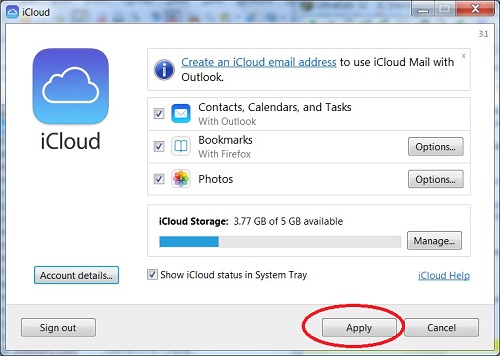
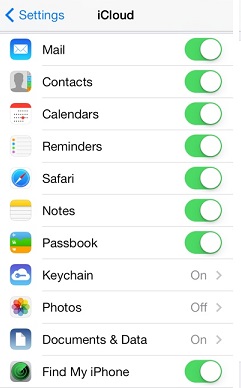
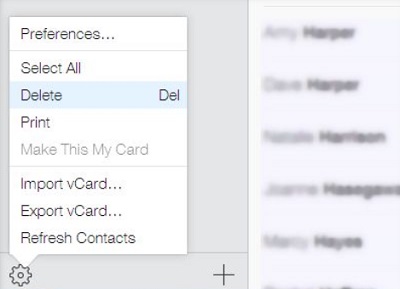
If you want to delete multiple contacts, using iCloud is much easier.
2014-05-22, ∼3302🔥, 0💬
Related Topics: