Categories:
Android (32)
Apple (iPhone) (829)
Apps (26)
BlackBerry (3)
General (438)
HTC (6)
Huawei (83)
LG (43)
Motorola (50)
Nokia (4)
Palm (10)
Samsung (139)
Sony (1)
Technology (17)
Windows Phone (209)
ZTE (5)
Online Tools:
Tutorial Collections:
Other Resources:
Syncing iPhone Data with iTunes
How to sync my iPhone with my iTunes on my Windows computer? I some new music on my iPhone and I want to listen on my iTunes.
✍: FYIcenter.com
Syncing your iPhone with iTunes is really easy:
1. Connect your iPhone with your computer with the USB cable.
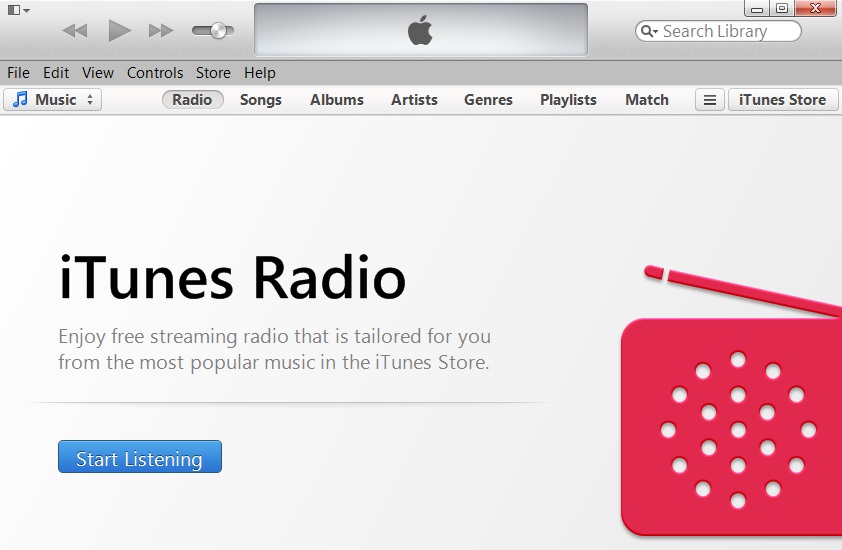
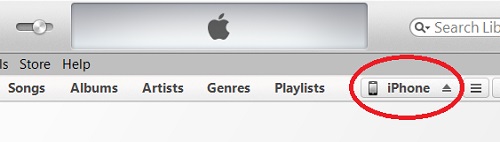
2. Run iTunes from your computer and click on the "iPhone" tab.
3. Click "File > Devices > Sync iPhone" menu or click the "Sync" button at the end of the status bar.
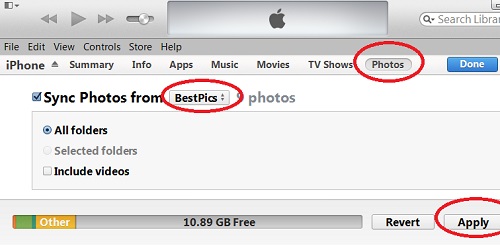
iTunes will exchange data including pictures, music, and videos between your iPhone and iTunes to keep them in sync.
2014-04-29, ∼3195🔥, 0💬
Popular Posts:
How to transfer personal apps and data from my old iPhone to my new iPhone? I want all settings, app...
How to manage trusted phone numbers for Apple ID with a Web browser on my computer? I want to add an...
How a phone screen display size is measured? What does a 5.8 inch (150 mm) phone screen mean? Cell p...
What are these *.AAE files in my iPhone\Internal Storage\DCIM folder? I am trying to import my photo...
What are phone number formats useed in a specific country or region? Different countries or regions ...