*.AAE Files in iPhone DCIM Photo folder
What are these *.AAE files in my iPhone\Internal Storage\DCIM folder? I am trying to import my photos from iPhone with a USB cable.
✍: FYIcenter.com

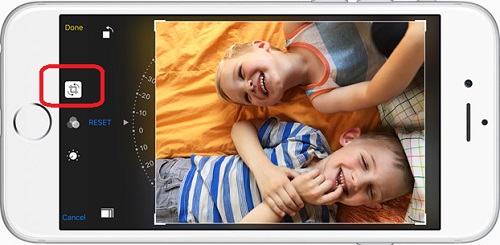
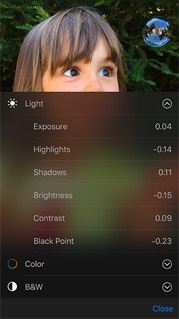
*.AAE files are called sidecar files in Extensible Metadata Platform (XMP) format. *.AAE files are used to record changes made by the Photos app on iPhone to original picture files.
When you take a picture using your iPhone, the picture will be saved in a *.JPG file.
When you edit a picture using the Photos app on your iPhone, all changes will be saved in a *.AAE file.
When you open the picture, iPhone will automatically apply the changes and give you the modified picture.
The main advantage of saving changes in a separate file is that you can revert back to the original picture at anytime.
But if you import the picture directly to PC with the USB cable, you PC will not be able to apply the changes stored in the *.AAE. You can only view the original picture on your PC.
In order the get the modified picture, you can send the modified picture to your PC via email, or via iCloud.
2020-12-22, ≈12🔥, 2💬
Related Topics: