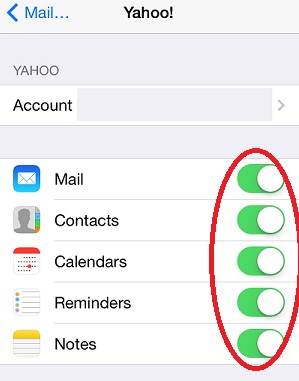
Adding Yahoo Emails to iPhone
How to add my Yahoo email account to my iPhone? I want to read my Yahoo emails on the phone.
✍: FYIcenter.com
Adding Yahoo email account to you iPhone email manager is easy:
1. Tap Settings on the iPhone Home screen.
2. Scroll down and tap "Mail, Contacts, Calendars". You will see a list of your current email accounts.
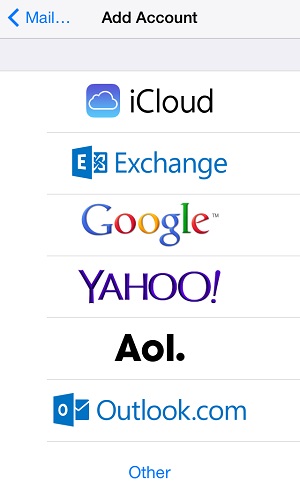
3. Tap "Add Account" You will see a list of email account types you can add.
4. Tap "Yahoo!". You will see the account setup screen.
5. Enter your name, Yahoo email address and password.
6. Tap "Save" near the top right corner. Your Yahoo email account is added.
Of course, you can another Yahoo account on the same iPhone. Just steps 3, 4, 5 and 6 again.
The picture below shows you the "Add Account" screen on iPhone:
2014-06-12, ∼4294🔥, 0💬
Related Topics: