Reverting Modified Photos on iPhone
How to undo editing changes on a picture? I want to my original picture back.
✍: FYIcenter.com

When a picture is modified with the Photos app on iPhone, modifications are saved separately from the original picture. You can revert back to the original picture at any time as described below:
1. Tap "Photos" and open the picture you modified before.
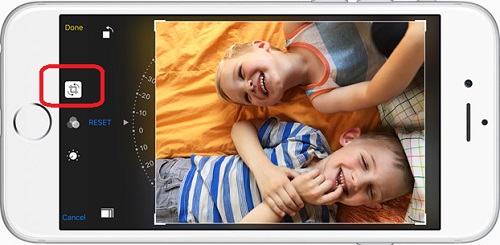
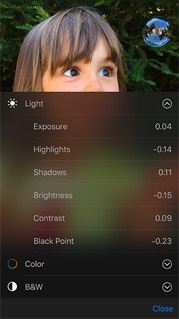
2. Tap "Edit" on the top right corner. You will see the picture in edit mode with the "Revert" option displayed.
3. Tap "Filter" at the bottom. You will see a warning message saying that "Revert to original will remove all edits to this photo. This action can not be undone."
4. Tap "Revert to original" to confirm the action. You will see the original picture displayed.
2016-03-07, ∼3608🔥, 0💬
Related Topics: