Checking iPhone Info from Computer with iTunes
How to check my iPhone information from my Windows computer?
✍: FYIcenter.com
To check your iPhone information from your computer, you to have iTunes installed and the iPhone USB cable ready. Then follow these steps:
1. Connect your iPhone with your computer with the USB cable.
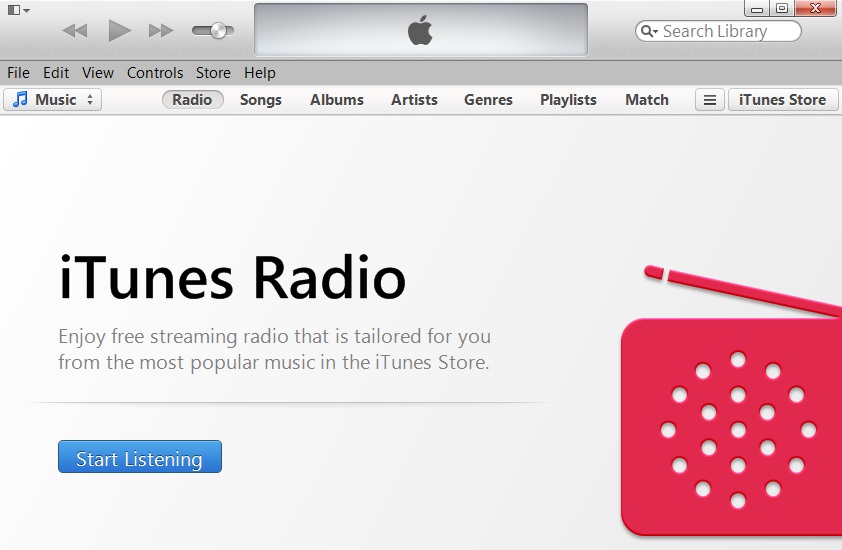
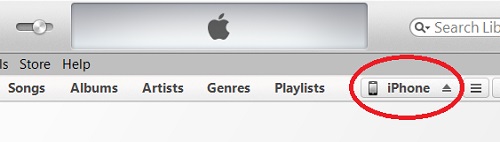
2. Run iTunes from your computer. iTunes starts in library mode. But an extra tab called "iPhone" shows up at the tab list.
3. Click on the "iPhone" tab. iTunes will switch to device mode to allow you to manage your iPhone.
4. Click on the "Summary" tab. iTunes shows your phone name, storage size, battery level, phone, number, serial number, software version, etc.
The picture below shows you the "iPhone" tab on iTunes:
2014-04-29, ∼3487🔥, 0💬
Related Topics: