Samsung Galaxy Set Up - Samsung Account
How to set Up a Samsung Galaxy - Samsung Account?
✍: Guest
 Samsung Account
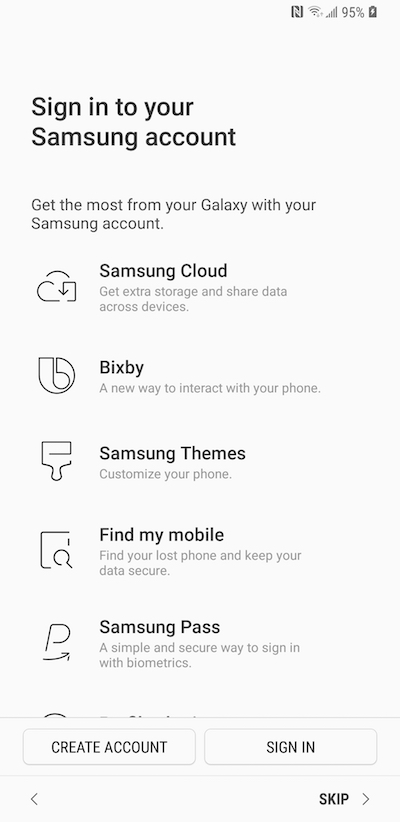
Create a new, or sign in to an existing, Samsung account. The Samsung account gives you access to all of the unique Samsung apps on your phone, as well as letting you set up useful tools like Find My Phone and Family Story. If you are upgrading from another Samsung phone, you can restore your backed up apps and settings during Samsung account set up.
The set up process for the Samsung account is fairly short, so this won't take long. After set up is complete, remember to verify your account. To do this, check the email address you signed up with and click on the verification link in the email from Samsung.
You can actually tap "SKIP" to set up your phone without Samsung account. There is no impact on phone functionalities.
2013-06-22, ∼6907🔥, 0💬
Related Topics: