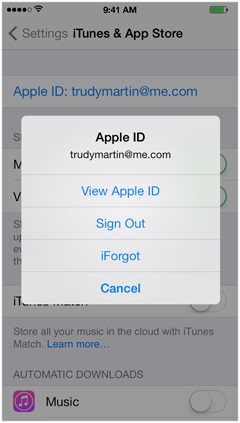
Managing Apple ID Profile
How do I review and update my Apple ID profile on the Web?
✍: FYIcenter.com
 It is always a good idea to review and update your Apple ID profile once a while.
You can do this on Web with these steps:
It is always a good idea to review and update your Apple ID profile once a while.
You can do this on Web with these steps:
1. Go to https://appleid.apple.com/.
2. Click the "Manage your Apple ID" button.
3. Enter your Apple ID (which is the email address you used when creating the Apple ID) and password to login.
4. Click on each section your profile information:
- Name, ID and Email Addresses
- Password and Security
- Addresses
- Phone Numbers
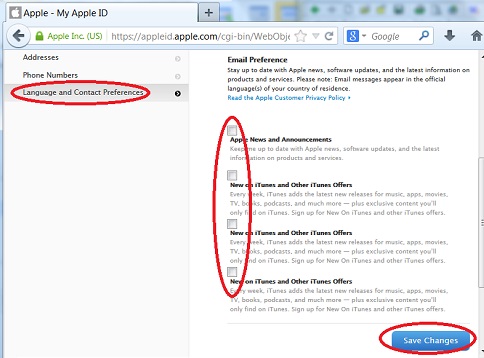
- Language and Contact Preferences
5. Review and update information in each section, like turn off email ads from Apple in the "Language and Contact Preferences" section.
Click the "Save Changes" button.
The picture below shows you the "Email Preference" section of your Apple ID profile:
⇒ Answering Apple ID Security Questions
⇐ Single or Multiple Apple IDs
2016-02-16, ∼4518🔥, 0💬
Related Topics:

💬 2023-04-18 Aswanth: Creat my apple id
💬 2023-02-24 Usman: Dear apple team i need an apple id to use iCloud to backup my poto
💬 2023-02-24 Usman: Dear apple team my apple I'd have not creat please create my apple I'd